






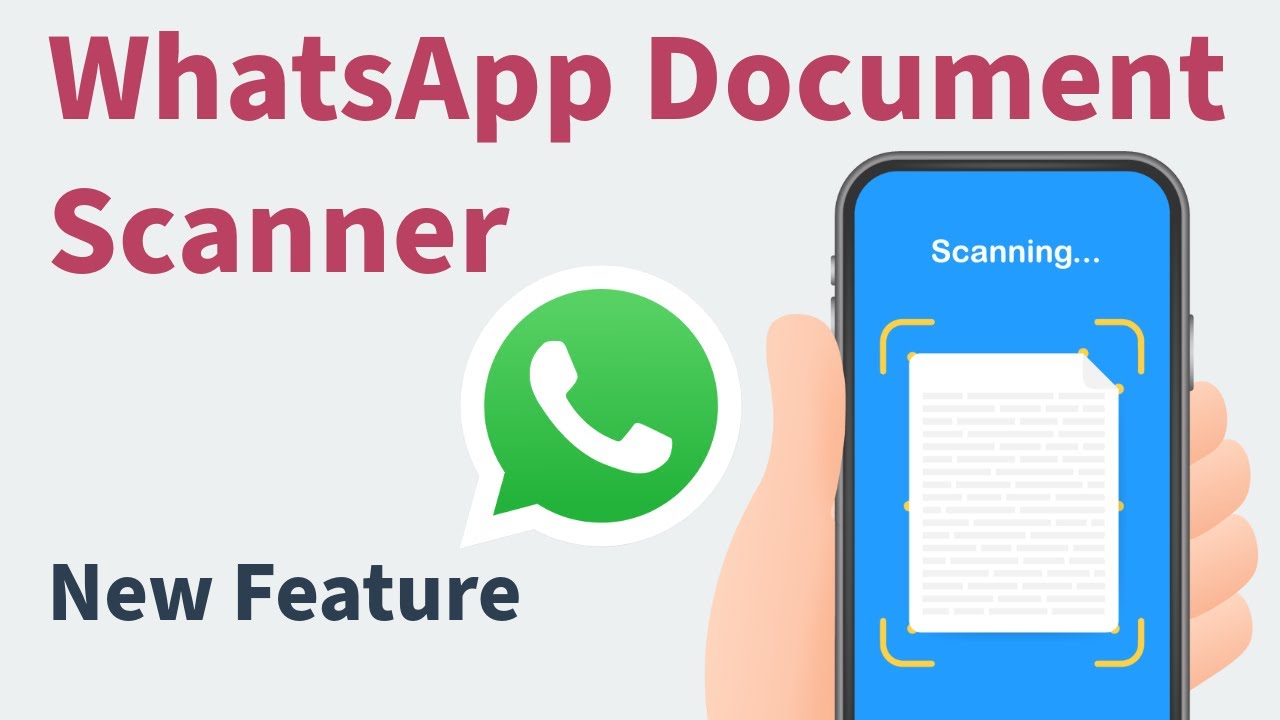
WhatsApp Adds Document Scanning Feature for Android Users
In a fresh update that’s making waves among Android users, WhatsApp has added a document scanning feature to its Android Beta app. Yes, you heard that right. After years of being one of the most-used messaging apps worldwide, WhatsApp is finally bringing a built-in scanner—something users have been waiting for since ages. But there’s a twist: it’s not available for everyone just yet.
Let’s break down what this new feature means, who can use it, and how it might actually change the way we share documents online—especially in a country like India where WhatsApp is practically a daily utility.
What is the New Document Scanning Feature on WhatsApp?
WhatsApp’s new feature lets you scan physical documents using your phone’s camera, directly inside the app. Earlier, users had to rely on third-party apps like CamScanner, Adobe Scan, or even Google Drive to convert physical files into digital ones. But now, you can do it all inside WhatsApp, making it super convenient.
This document scanning tool captures a photo of your physical document, crops and adjusts it, and lets you share the scanned file as a PDF or image in your WhatsApp chats. This means no more switching between apps just to send a scanned copy of your Aadhar card, PAN card, school notes, or office documents.
WhatsApp Beta Now Lets You Scan Documents with Camera
As of now, only Android Beta users can access this feature. So if you’re not enrolled in WhatsApp’s Beta Program on Android, you won’t see the scanner just yet. This move shows how WhatsApp is testing the feature with a small group first, likely to fix bugs and improve the experience before launching it for everyone.
If you’re using the WhatsApp Beta version 2.24.14.9 or higher, you can find the feature by tapping on the “attachment” (paperclip) icon in a chat. Alongside options like “Document”, “Gallery”, and “Location”, you’ll now see a new “Scan” option. Once you tap on it, your camera opens up in scanner mode.
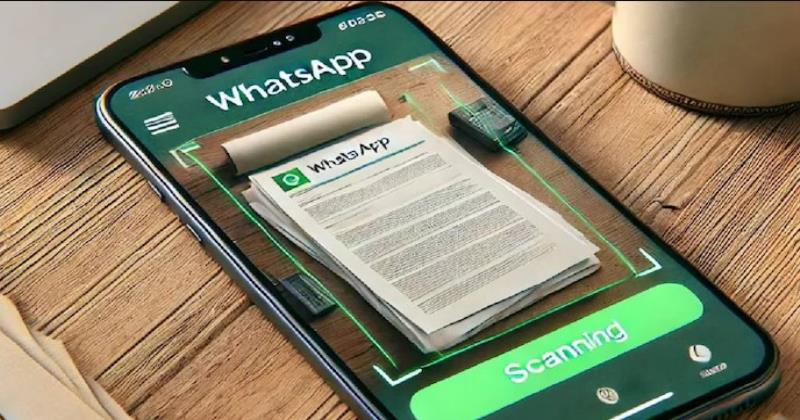
How to Use WhatsApp’s Built-in Document Scanner
Using this new scanner is as simple as using your phone’s camera. Here’s a step-by-step guide to try it:
How to scan documents using WhatsApp (Beta)
- Open any chat in WhatsApp Beta on Android.
- Tap on the paperclip icon to open the attachment menu.
- Tap on the “Scan” option.
- Point your camera at the document you want to scan.
- Adjust corners or edges if needed (WhatsApp auto-detects it too).
- Tap on the Shutter button to capture.
- Apply filters (like Black & White or Grayscale) if you want.
- Save it as a PDF or image and send it right there in the chat.
Who Can Use This Feature Now?
Currently, only WhatsApp Beta testers on Android have access to the scanner. If you’re not in the Beta program, you’ll have to wait until it rolls out publicly, which could take a few weeks or maybe a month.
H3: How to become a WhatsApp Beta tester:
- Visit the WhatsApp Beta Program page on Google Play Store.
- Click on “Become a tester”.
- Update your app to the latest Beta version.
- If the program is full, you’ll see a message saying so. In that case, you’ll have to wait or try later.
Why This Feature Actually Matters (Especially in India)
While many apps already offer scanning tools, WhatsApp’s document scanning feature stands out because of its deep integration into chat. Think about it—millions of Indians use WhatsApp every day to send documents for school, college, work, bank verifications, government schemes, or even property deals. Adding a scanner inside the app saves time, memory, and effort.
Plus, a lot of people still don’t want to install extra apps. Older people or those with low-end smartphones often avoid third-party apps due to storage concerns, battery issues, or just confusion. Now, they can do everything in one place.
What About Privacy and Security?
Since the scanned documents never leave WhatsApp’s ecosystem, they are covered under WhatsApp’s end-to-end encryption. This means your scanned documents are just as safe as your chats—at least in theory.
However, unlike Google Drive or Dropbox, WhatsApp doesn’t offer cloud storage for documents. So, once you send the scanned file, it exists only in that chat thread. There’s no separate library or folder where you can see all your scanned files. Hopefully, that will be added in future updates.

Limitations and What’s Missing So Far
While the feature is useful, it’s still very basic compared to established document scanner apps. Here are a few things it doesn’t support yet:
Current limitations:
- No OCR (Optical Character Recognition) support
- Cannot extract text from scanned pages
- No multi-page scanning
- No backup or archive system for scanned files
- No cloud sync option yet
But still, as a first step, it’s a solid feature and could evolve much more in the coming months.
WhatsApp is Becoming an All-in-One Productivity Tool
This move by WhatsApp is more than just a feature drop. It signals how the app is slowly transforming from a basic messenger into an everyday utility tool. From UPI payments, business catalogs, channel subscriptions, voice messages, and now document scanning—WhatsApp is positioning itself as a central hub for communication and productivity.
In India especially, where people often use WhatsApp as a primary business tool—whether for tuition classes, home-based businesses, or local services—having such a feature makes real difference.
Also, it’s a huge step toward digital inclusivity. Many low-income users or senior citizens who don’t understand scanning apps can now just use WhatsApp to scan and share important papers.
What to Expect Next?
If the testing goes well, WhatsApp will likely roll out the feature to all Android users, followed by iOS users. Future versions may also support:
Upcoming possibilities (based on user demand):
- Multi-page scanning with PDF export
- In-chat OCR for extracting text
- Scanned documents folder inside WhatsApp
- Backup to Google Drive or iCloud
- Auto-tagging for documents like IDs, bills, forms
With this new WhatsApp document scanner, the platform is continuing its mission to become more than just a messenger. For Indian users especially, this simple but useful tool can save both time and effort. Whether you’re a student submitting assignments, a small shopkeeper sharing bills, or someone sending ID proof for KYC—this feature adds real value.
Yes, it’s only in Beta now, but it shows that WhatsApp is listening to what its users need. And in the coming months, we might just see a full suite of productivity tools inside WhatsApp—making it the ultimate “everything app” for Indians.



One thought on “WhatsApp Adds Document Scanning Feature for Android Beta”
Comments are closed.