




Canva Integrates Google’s Veo 3 AI: A New Era of Video Creation Begins
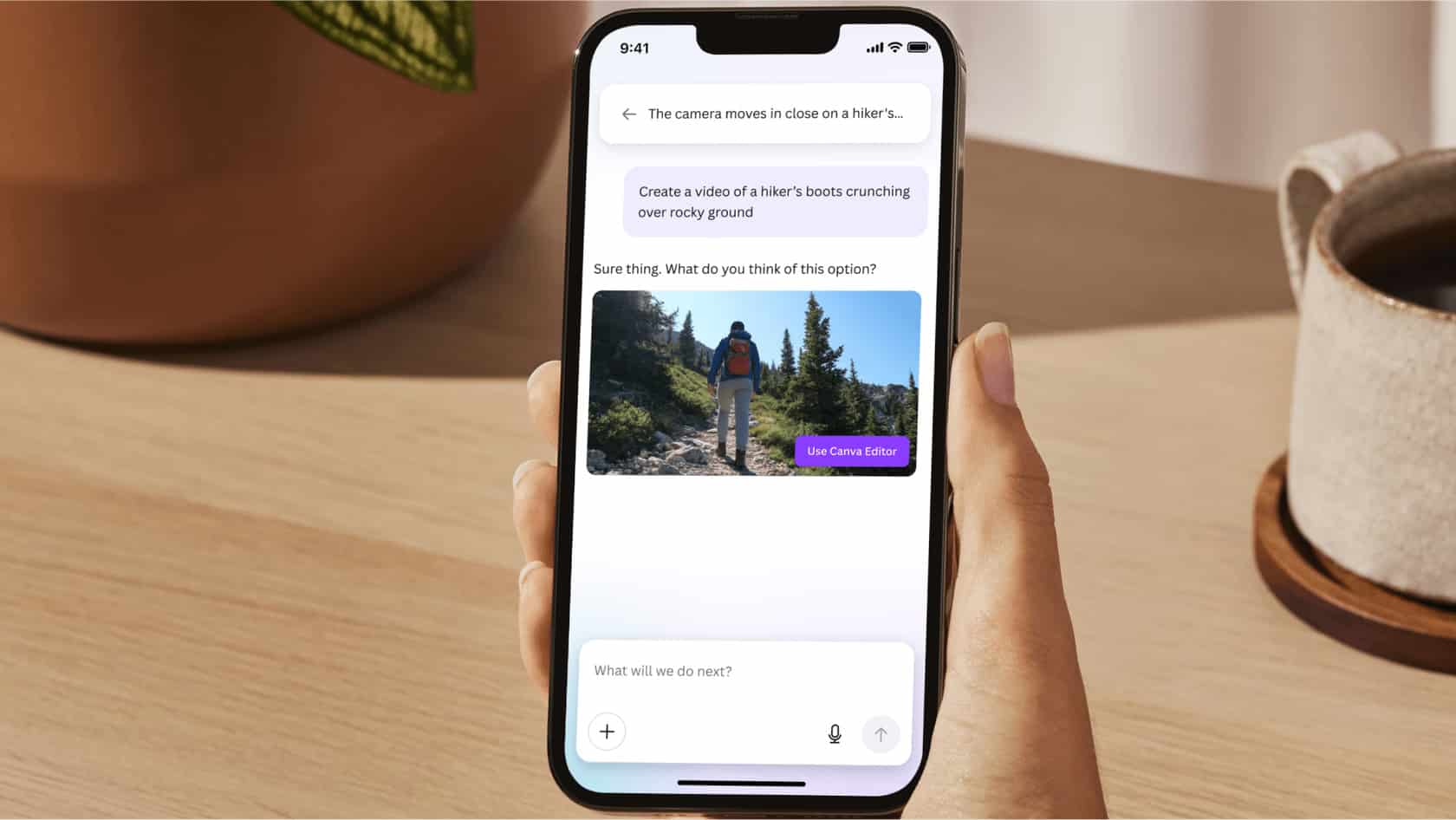
Design platform Canva has now integrated Google’s powerful Veo 3 AI model, bringing the magic of text-to-video generation with sound directly into the hands of creators. This new feature enables users to simply type in a prompt and let Canva + Veo 3 handle the rest — generating complete AI video clips with audio.
This marks a huge shift in how content is created, especially for freelancers, social media managers, teachers, YouTubers, and marketers across India and worldwide. Whether you’re a pro or a beginner, Canva’s latest update is making video creation as easy as writing a sentence.
Canva Adds Google’s Veo 3 to Generate Video Clips With Sound
The big news here is that Canva has added Google’s Veo 3 model into its suite of tools, allowing users to create short video clips from text prompts, complete with sound effects, visuals, and even background music.
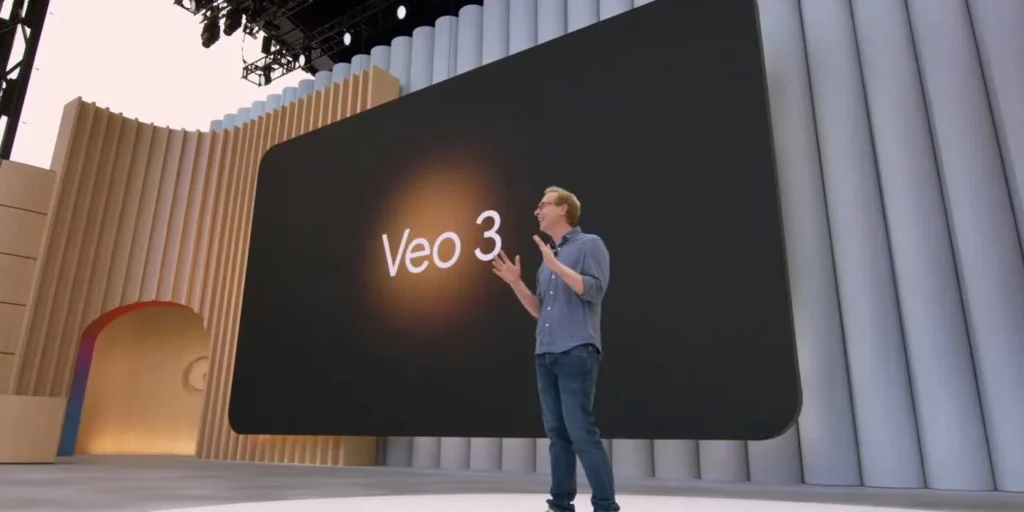
Veo 3, Google DeepMind’s next-gen AI video model, is known for generating high-quality, realistic videos from text. With sharp details, natural movement, and audio integration, it’s considered one of the most advanced models currently available.
Now that Canva has rolled it into their app, everyday users can enjoy this powerful tool without any technical know-how.
What Is Google’s Veo 3 and Why Is It Special?
Google Veo 3 is a text-to-video AI model developed by DeepMind. It can turn simple written prompts like “A girl walking on a beach during sunset with waves crashing” into a realistic, moving video scene, complete with background sounds and lighting.
Here’s what makes Veo 3 unique:
- Text-to-video generation up to full HD resolution
- Advanced scene understanding for realistic animation
- Audio integration like footsteps, waves, music, etc.
- Supports complex camera angles like slow pans, zooms, and cinematic views
Canva’s integration of Veo 3 means users don’t have to rely on expensive software or stock footage anymore — they can just type and get videos instantly.
Canva Rolls Out New AI Video Clip Feature Powered by Google’s Veo 3
How It Works
- Open Canva (Free or Pro)
- Go to the new Text-to-Video (AI Video Generator) section
- Type your scene prompt, like:
“A child flying a kite in an open field with soft music” - Click “Generate”
- In a few seconds, Canva produces a short video clip with matching visuals and audio
You can add this clip directly into your designs, reels, presentations, YouTube shorts, or social media posts.
Example Use Cases:
- Instagram reels with AI-generated video scenes
- YouTube intros created from text
- Short ads for small businesses
- Educational videos for teachers
- Personal greeting clips for birthdays or events
Canva Integrates Google’s Veo 3 AI: Unlocks Video Content Creation for All
The big win here is accessibility. Earlier, AI video tools were mostly for developers, film editors, or those using heavy-duty AI platforms. Now, Canva makes it easy even for a college student or small business owner to create video content.
You don’t need a green screen, camera, actor, or even a scriptwriter — just an idea in your head and a sentence in your keyboard.
Canva Adds Google’s Veo 3 Model to Enable Text-to-Video Generation: What It Means for Creators
A Boon for Indian Content Creators
For Indian creators, who often face budget and resource limitations, this integration is a game-changer. Imagine:
- A small chaiwala making a 15-second ad video for his Instagram page
- A school teacher generating visual stories for students in rural areas
- A YouTuber creating intro videos without paying for editors
These are no longer dreams. Canva’s Google Veo 3-powered AI makes it possible with just a smartphone and internet.
Canva Rolls Out Text-to-Video Tool for Creators: The AI Content Revolution Continues
This isn’t just a new feature — it’s part of a bigger AI revolution happening in creative industries. After text-to-image tools like DALL·E and image editors like Magic Eraser, now text-to-video is the next big leap.
Canva is smartly riding this wave by giving its users early access to future tech, while making it user-friendly.
AI-Generated Videos Can Inspire New Creative Styles
Here’s something many articles miss — AI video generation can create visuals beyond human imagination. Since the AI isn’t limited by traditional camera techniques or budget, it can generate magical scenes, surreal animations, and fantasy-like storytelling that humans might not even think of.
This could inspire new artistic styles, genre-blending content, or experimental social media trends led by AI.
So it’s not just a shortcut — it’s a creative accelerator.
Canva + Google Veo 3 = Next-Level Simplicity in Video Creation
With this update, Canva has once again proven why it’s the go-to design platform for creators, small businesses, teachers, and marketers.
The integration of Google’s Veo 3 AI model transforms how we think about video content — it’s no longer something that needs cameras, studios, or big budgets.
Now, your imagination is enough.
In just a few clicks, you can go from “text” to “cinematic video”, ready to publish, share, or promote. For the Indian creator community, this could unlock massive potential, especially in regional languages and hyper-local content.